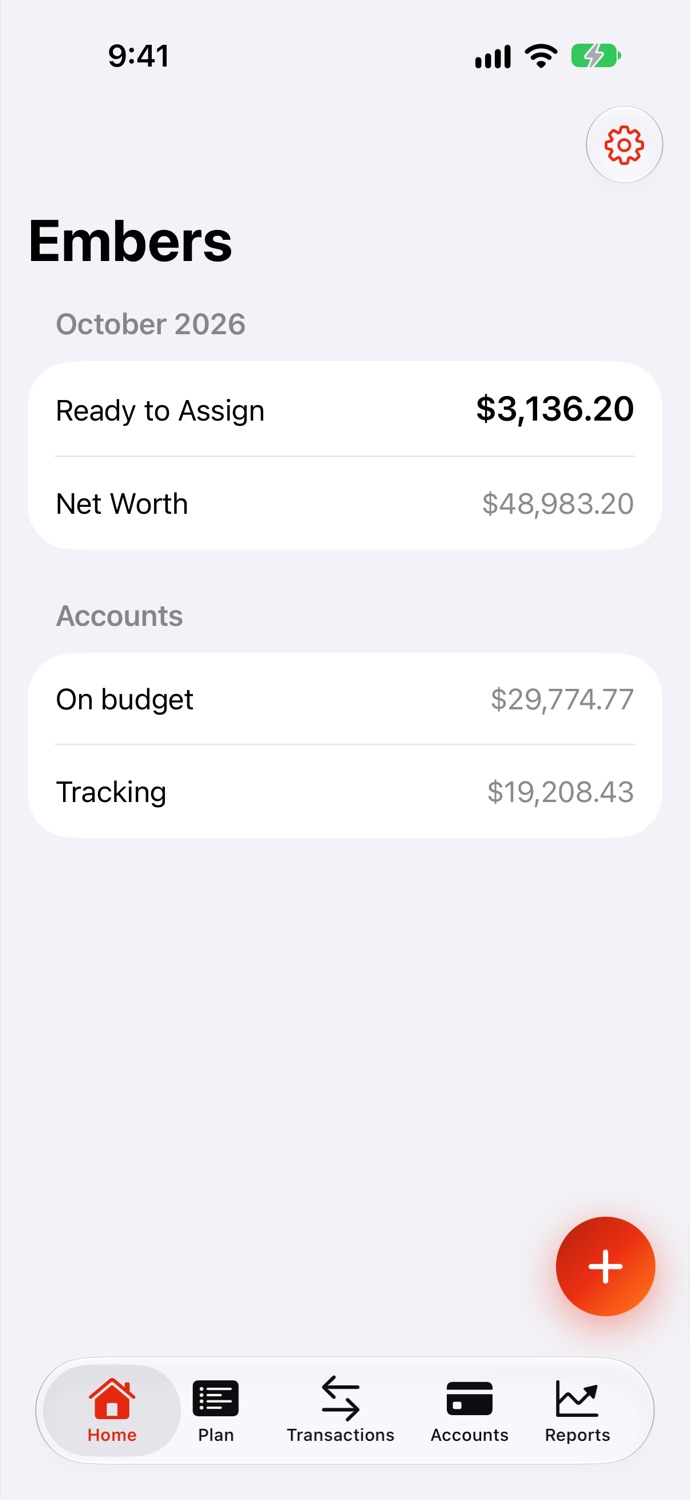
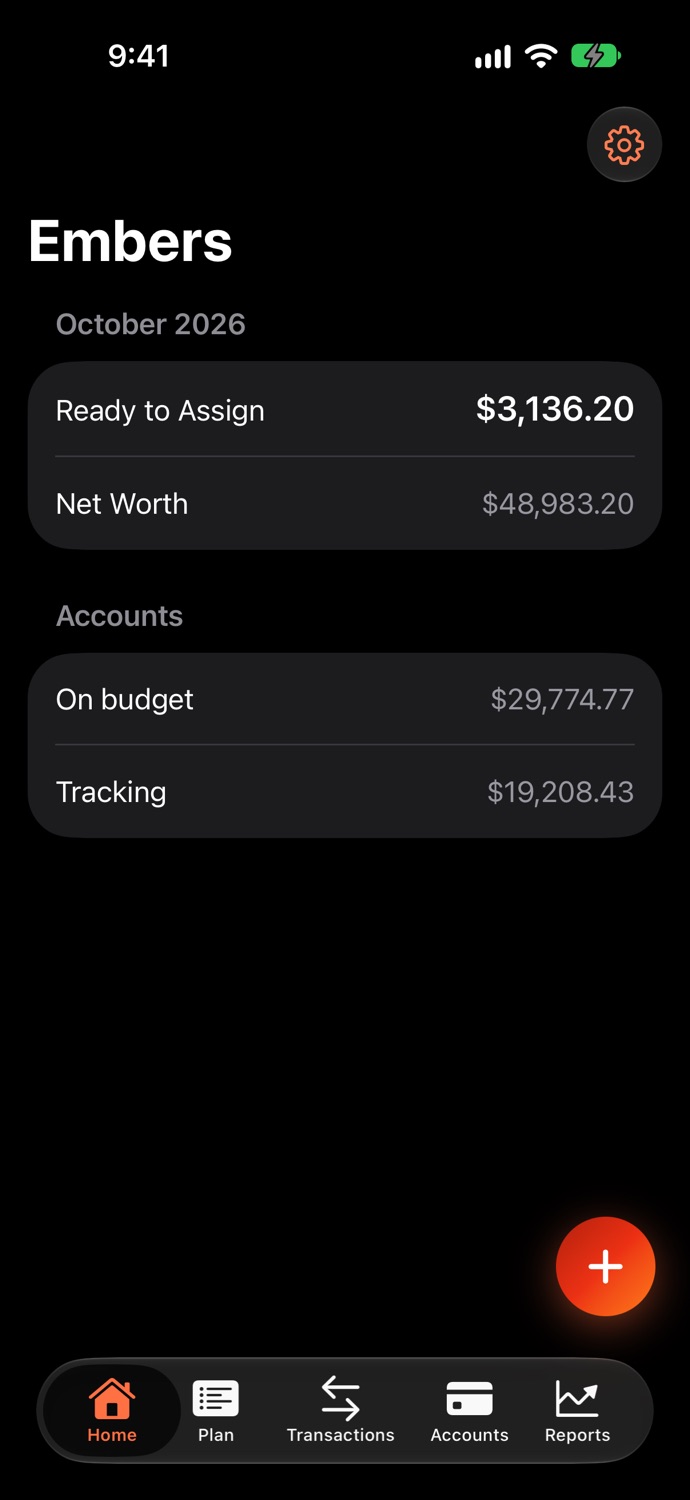
Envelope budgeting, done properly
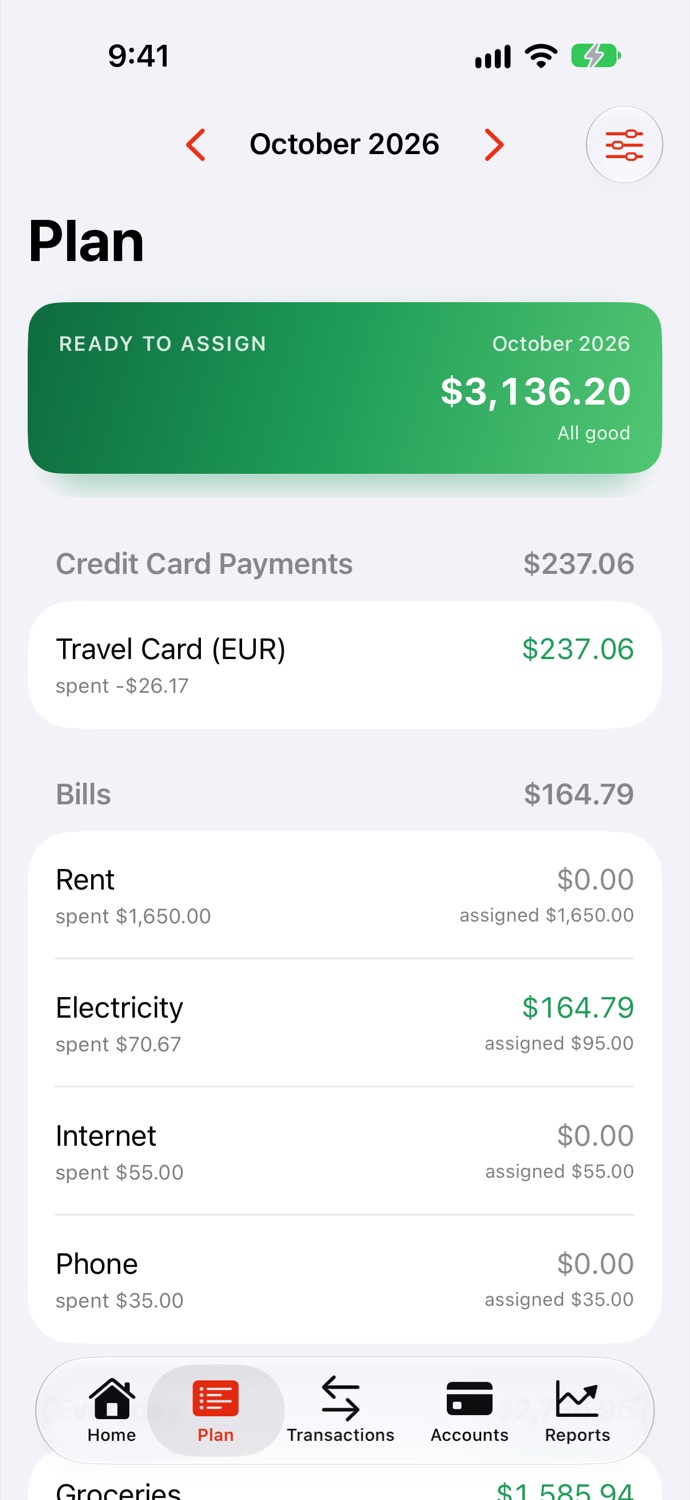
Give the money you have a purpose before you spend it. Assign to bills, everyday spending and long-term goals; see at a glance what is left in each, and move money between categories when life changes. Plan months ahead, and look back at what any past month had left.
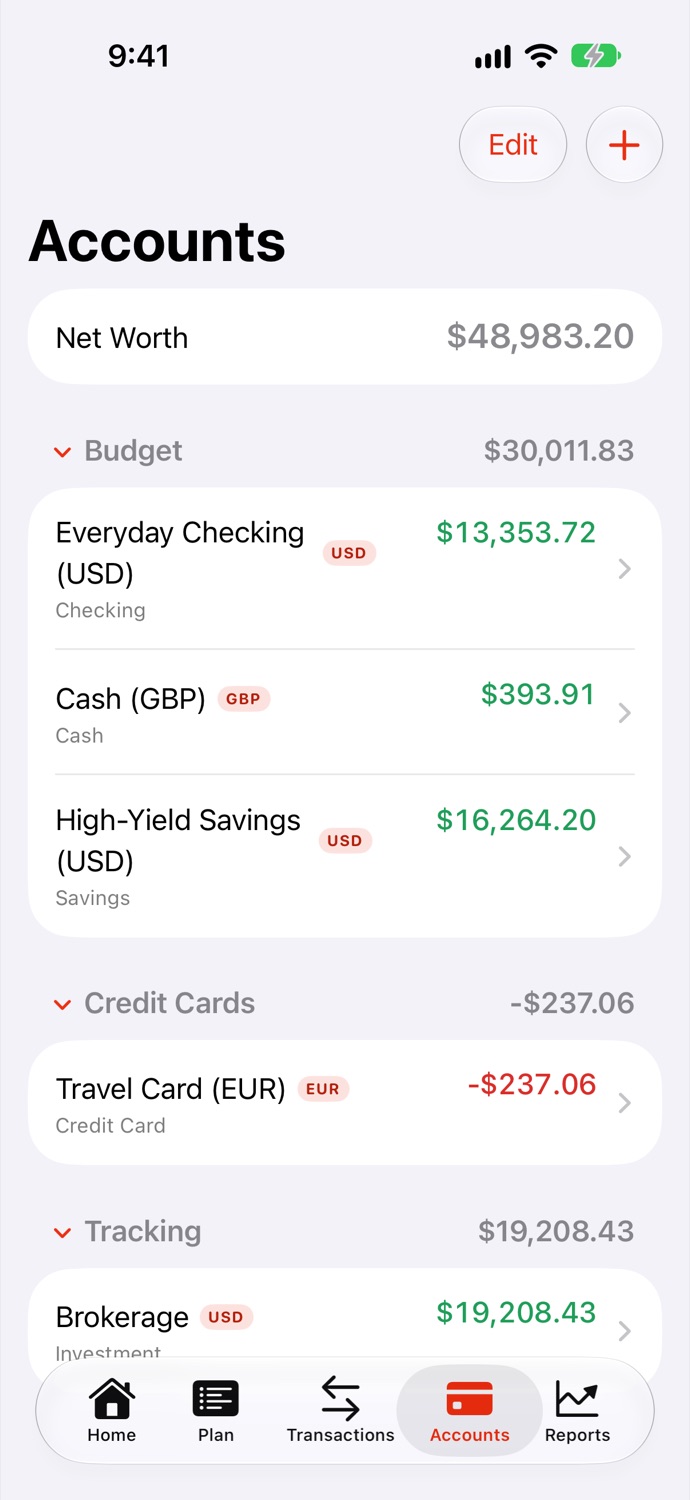
Accounts in any currency
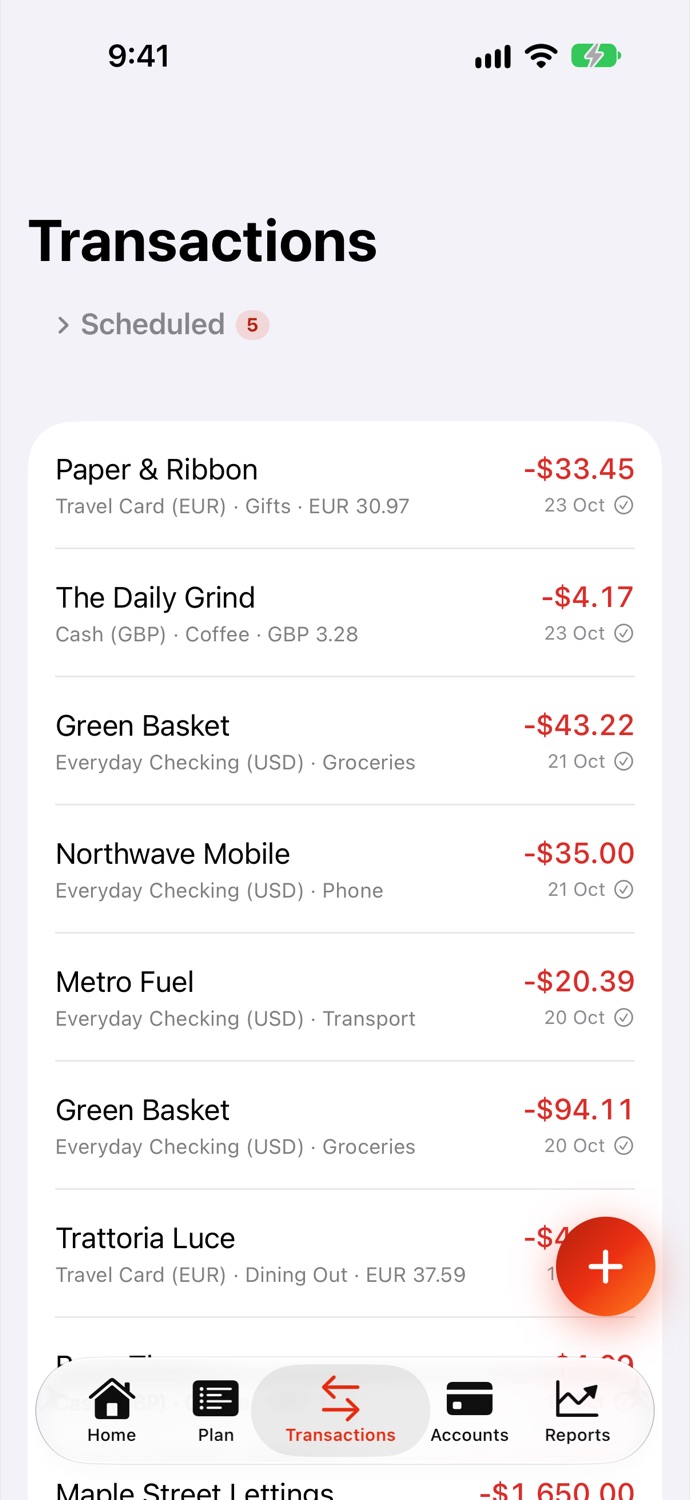
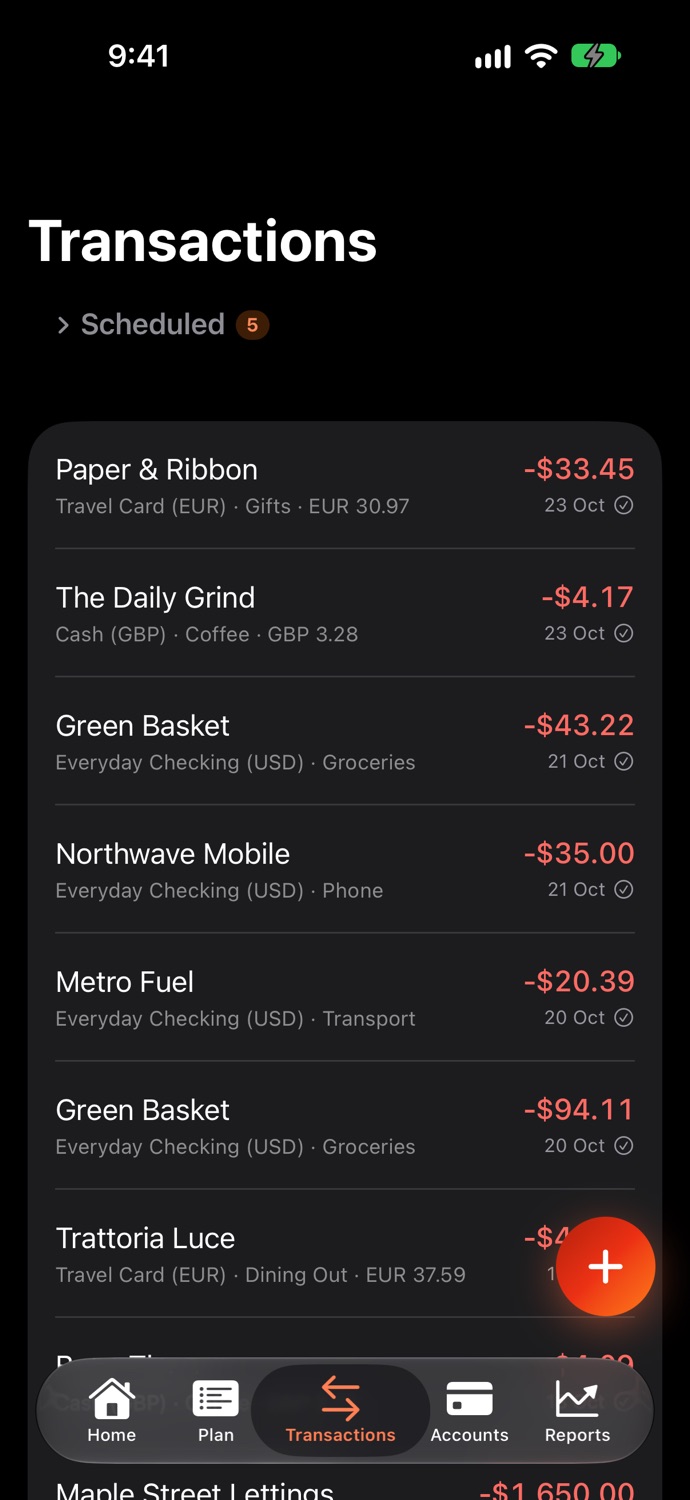
Hold a card in euros, a salary account in dollars and cash in pounds. Type an amount in whatever you paid and Embers converts it — adding your bank's foreign-transaction fee when the currency isn't the account's own.
Credit cards that add up
Spend on a card from a funded category and the money moves to the card's payment, so you always know what you owe and whether it's covered. A card in credit balances the books too.
Transfers, on and off budget
Move money between accounts in one step, even across currencies. Track investments, property or loans alongside your budget, and count money moving into them against the right category.
Scheduled and repeating
Set up rent, salaries and subscriptions once. A scheduled payment waits for your approval before it counts, so a subscription you cancelled is never spent from your plan by accident.
Reminders that come from your device
A nudge when a payment is due — approve or skip it right from the notification — plus warnings when a category won't cover an upcoming bill, before a card payment, and at the start and end of each month.
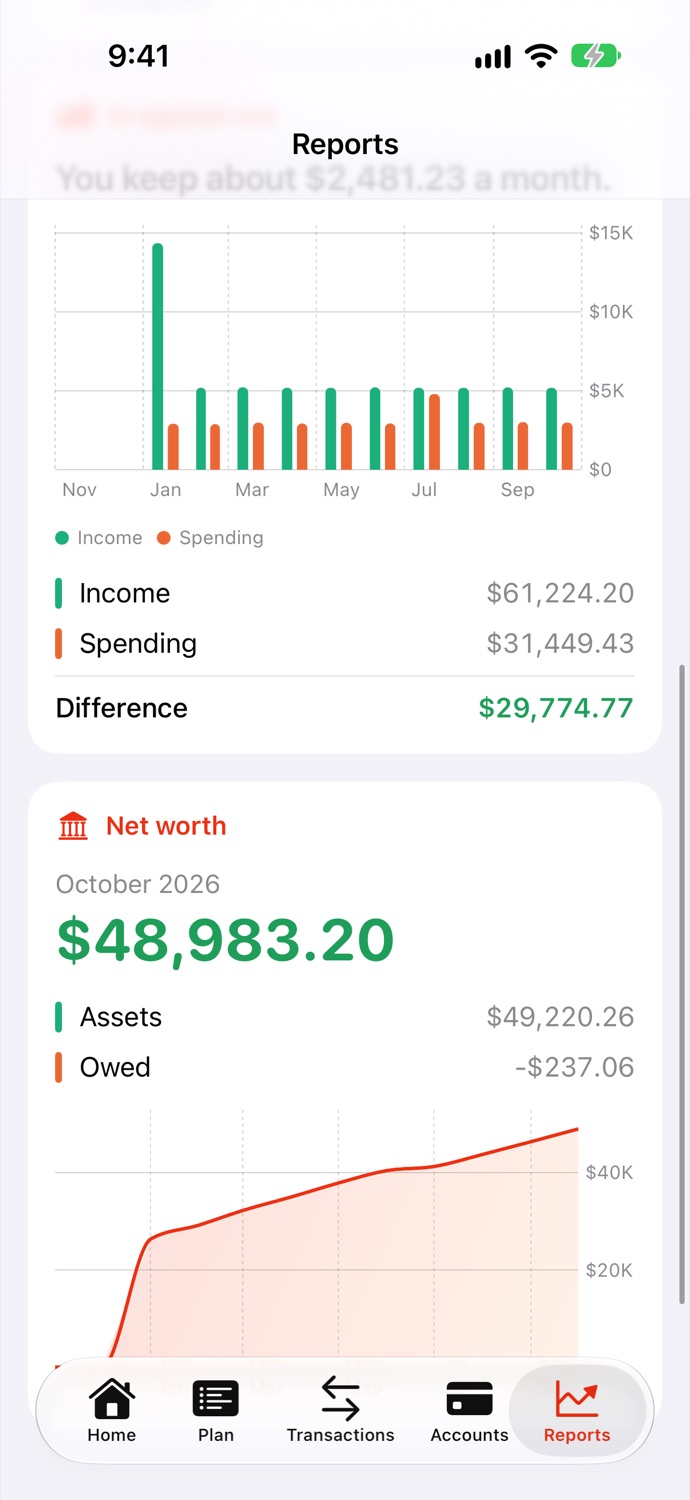
Reports worth reading
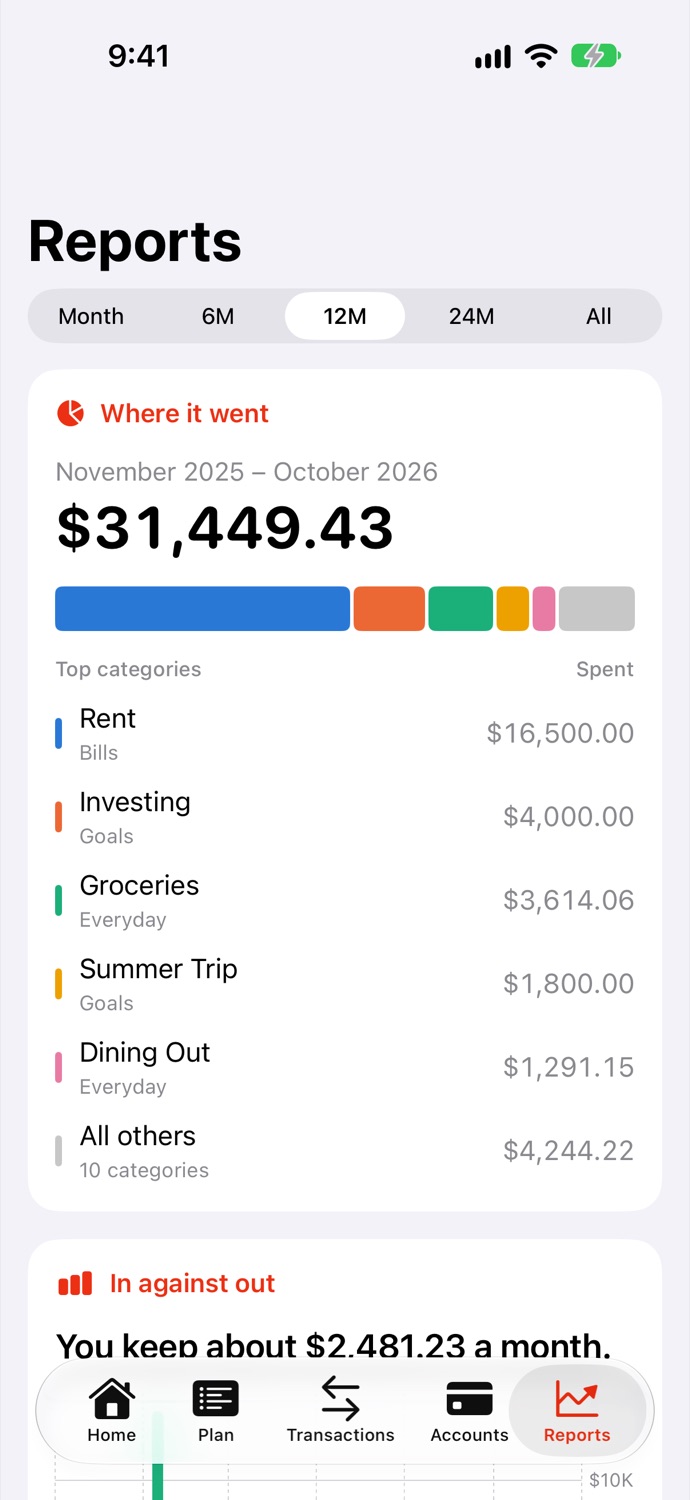
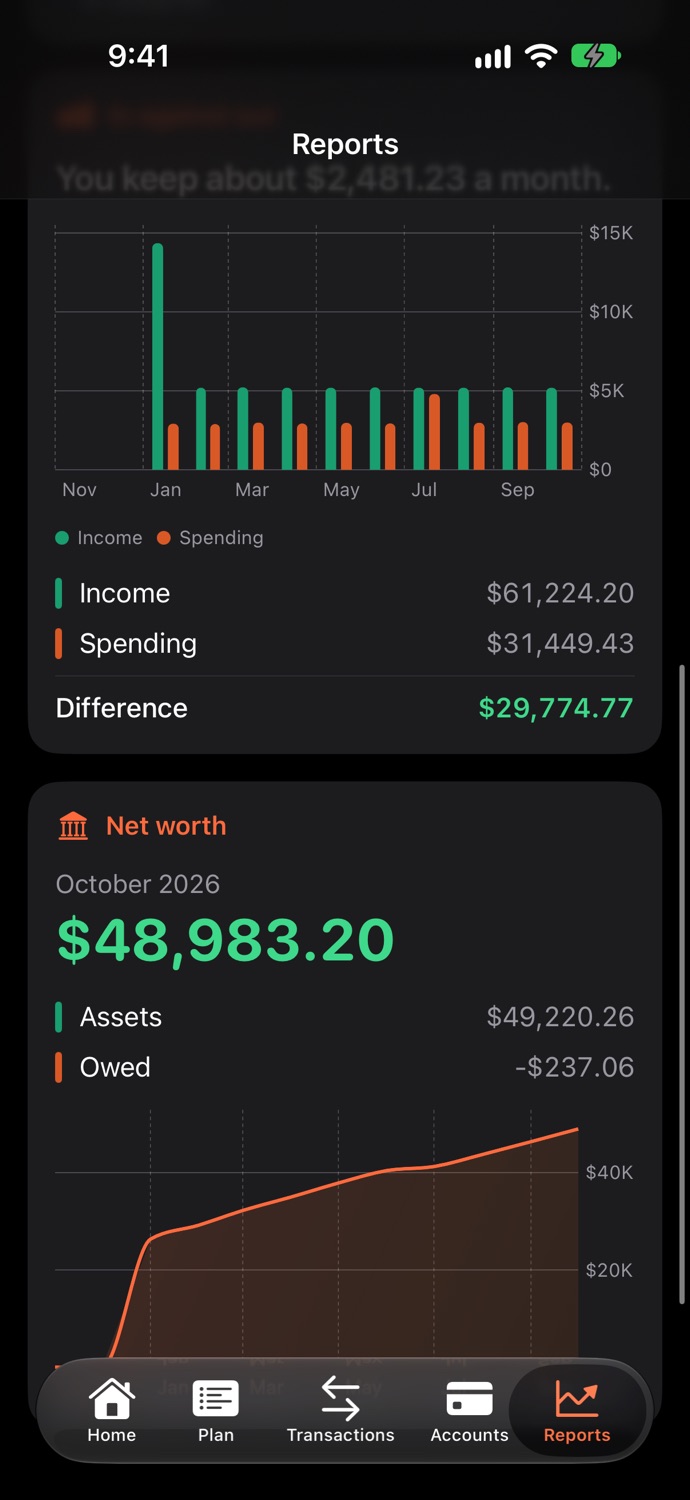
Where your money went, what came in against what went out, and your net worth over time — with a plain-English verdict, and colours chosen to stay readable for colour-blind eyes.
Reconcile with your bank
Mark entries as cleared, compare against your statement, and lock in a reconciled balance. Embers reminds you when an account hasn't been checked in a while, and a budget check points out anything that looks wrong.
Quick to enter
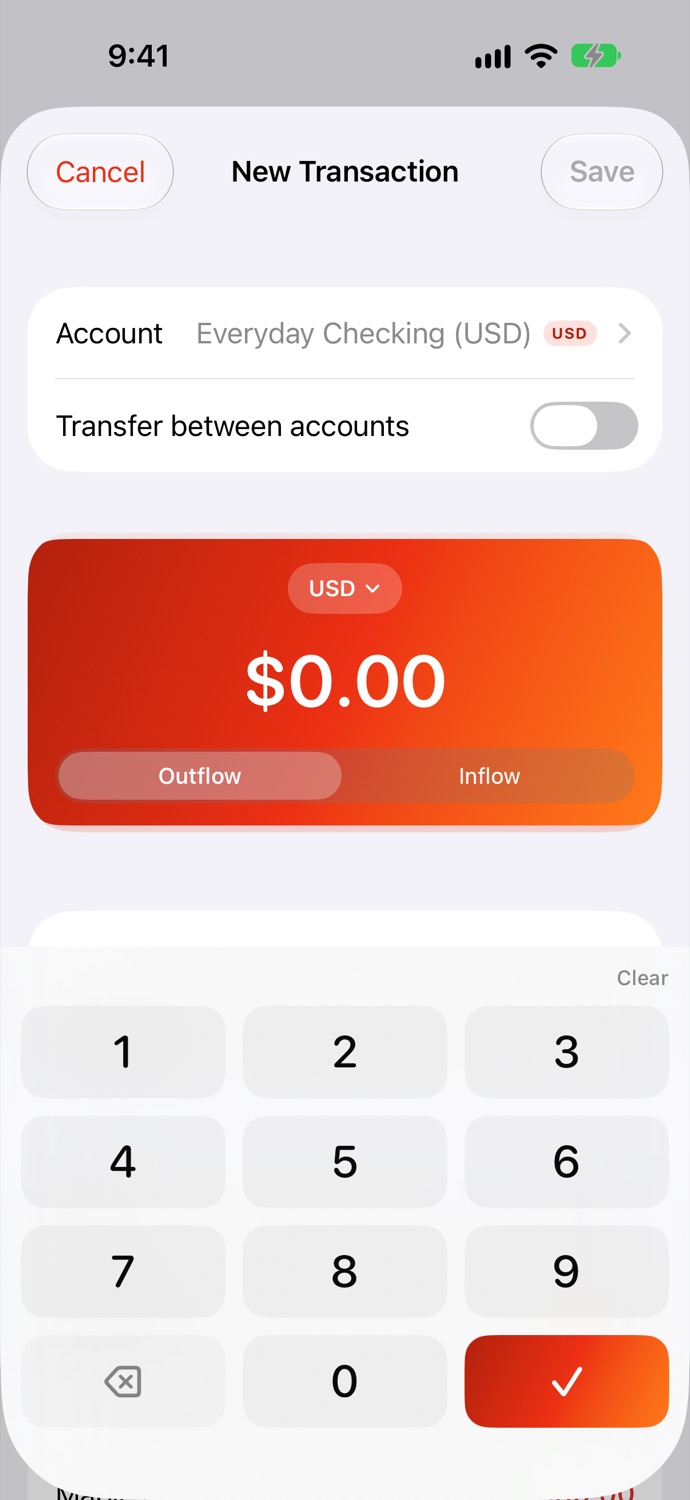
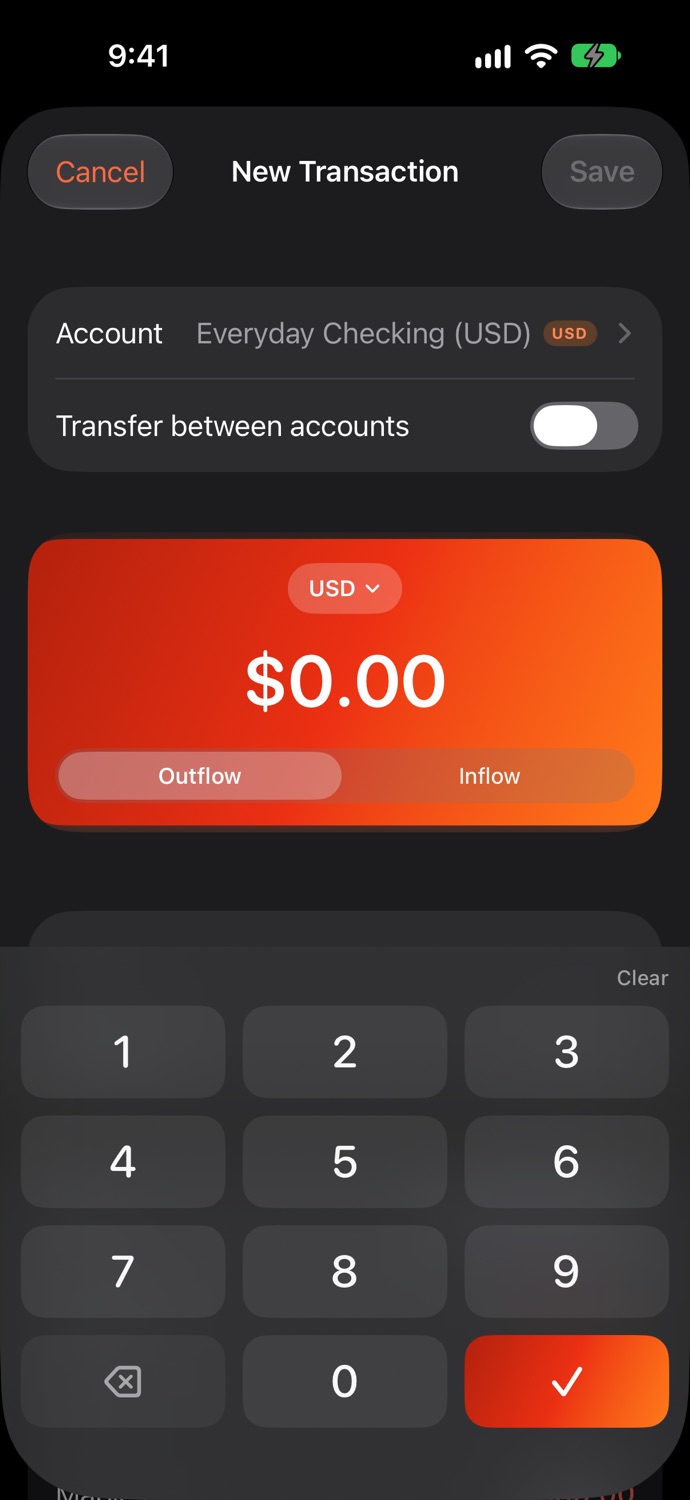
A big keypad, the account's currency picked for you, and your payees remembered. On the Mac, type a pile of receipts in a row with the keyboard alone.
Native on iPhone, iPad and Mac
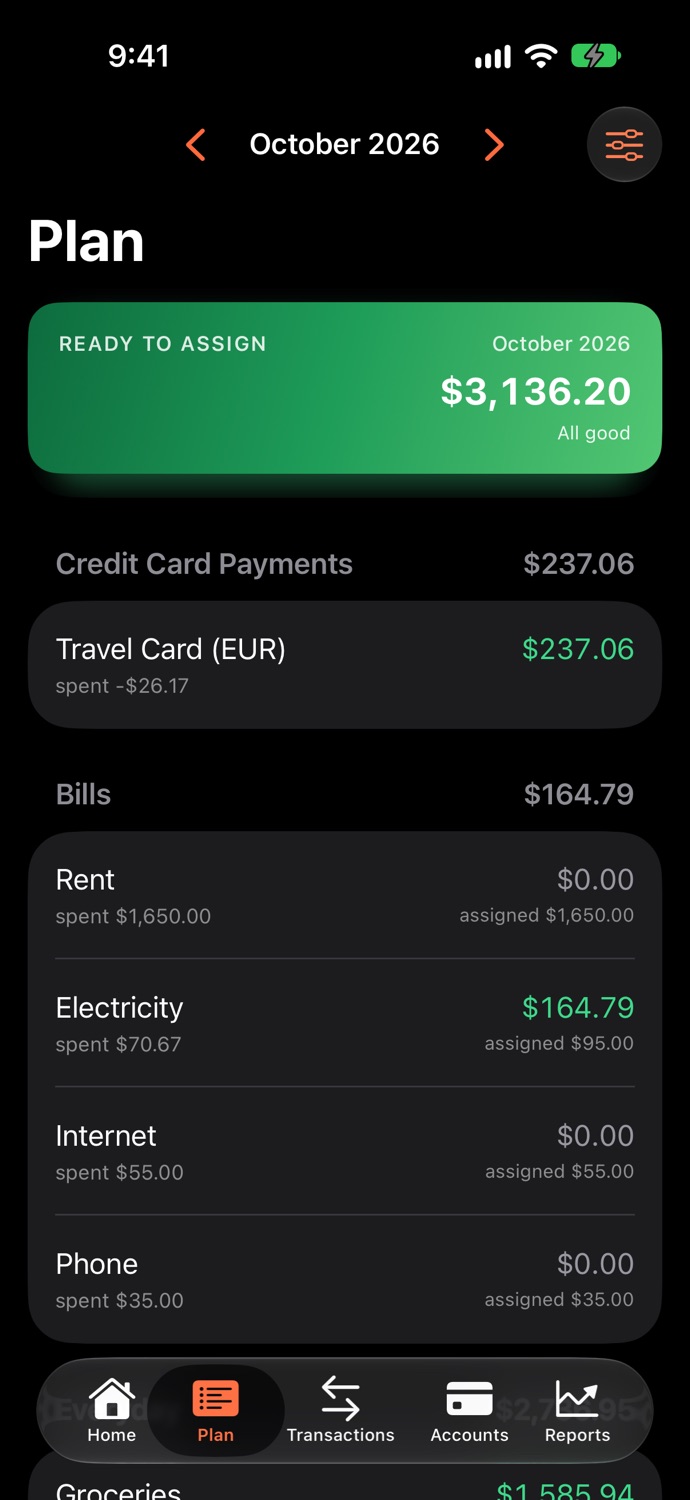
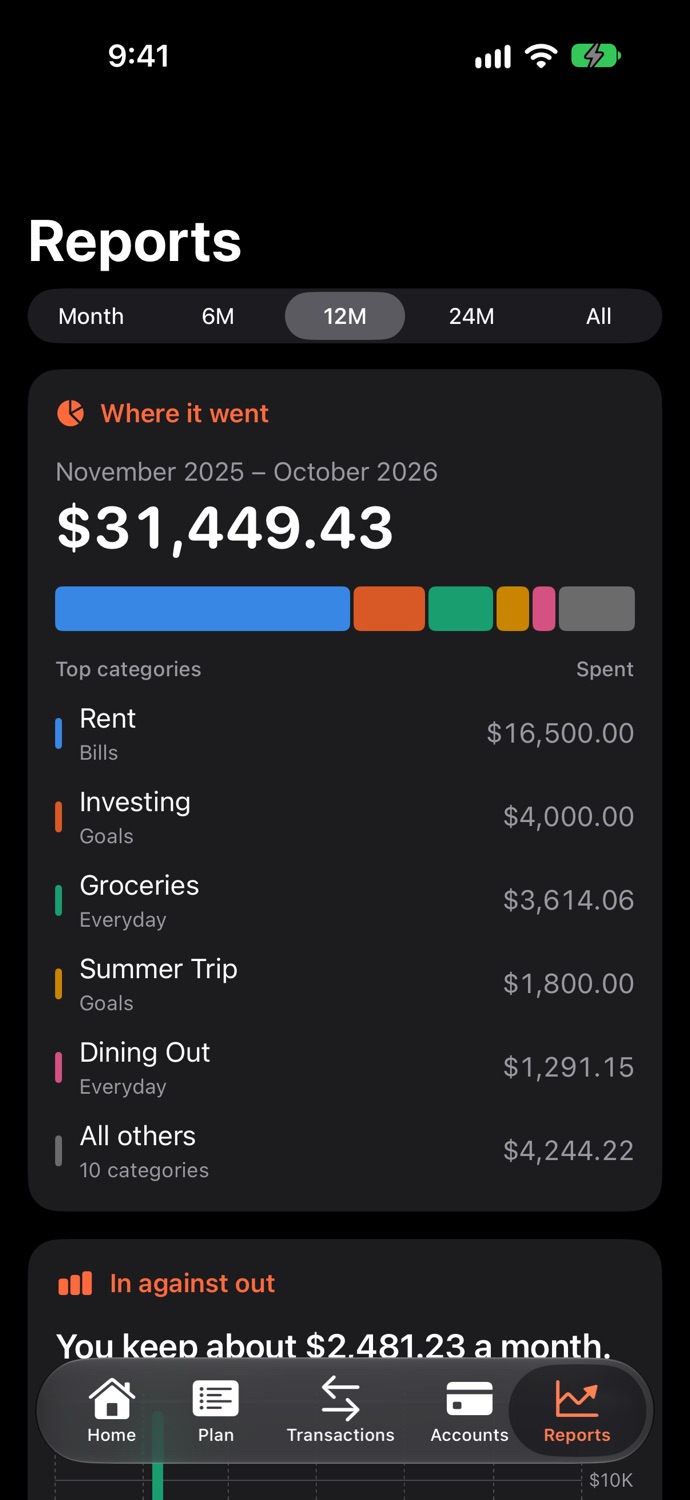
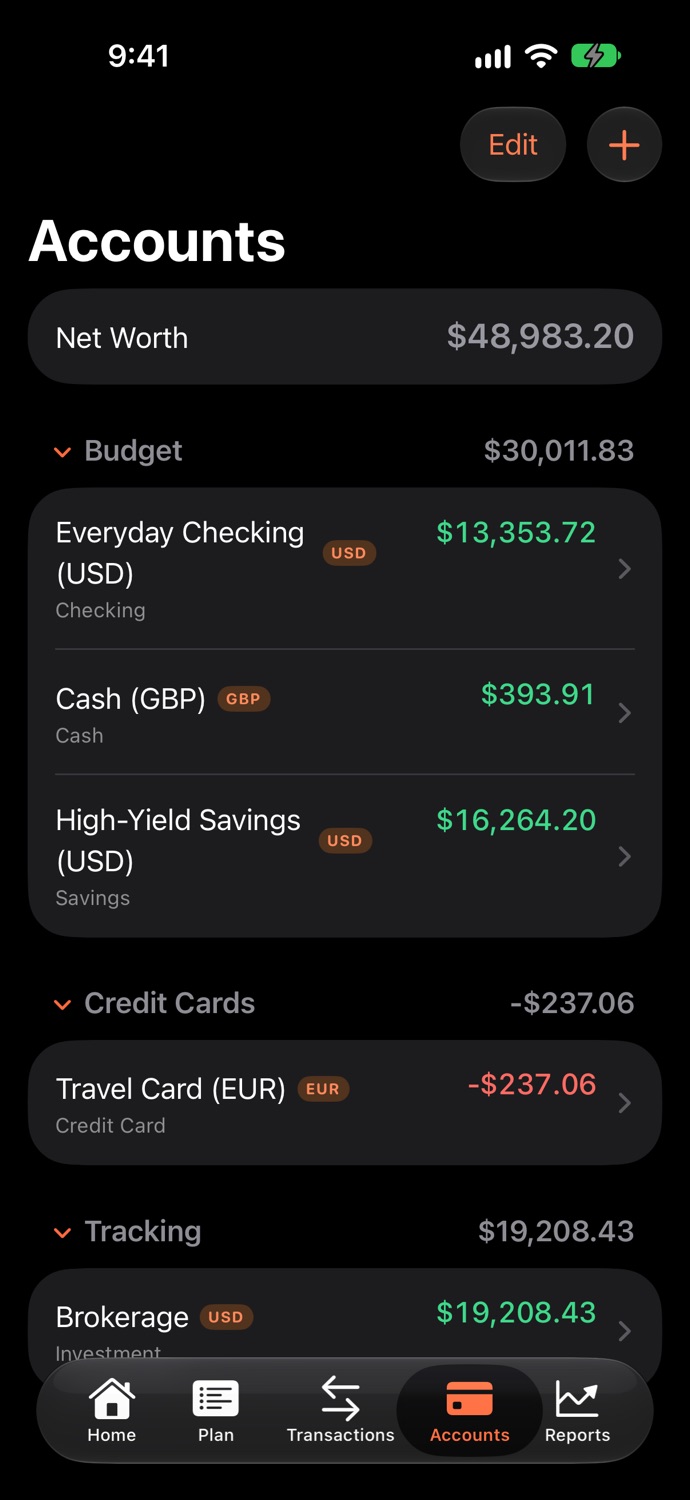
The iPhone app is made for one hand. The Mac app is a real Mac app, not a phone app in a window: a sidebar with every account and its balance, sortable tables, amounts typed straight into the plan, an inspector beside it, and keyboard shortcuts throughout. Light and dark appearance on both.
 Embers